- Download LiquidPay from the App Store or Google Play.
- Register and verify your identity using Singpass.
- Link a credit card inside the app.
- At the stall, open LiquidPay and scan the NETS QR code. It works at NETS QR terminals that accept LiquidPay — look for the LiquidPay or XNAP logo.
- Enter the amount, confirm, and the stall gets paid.
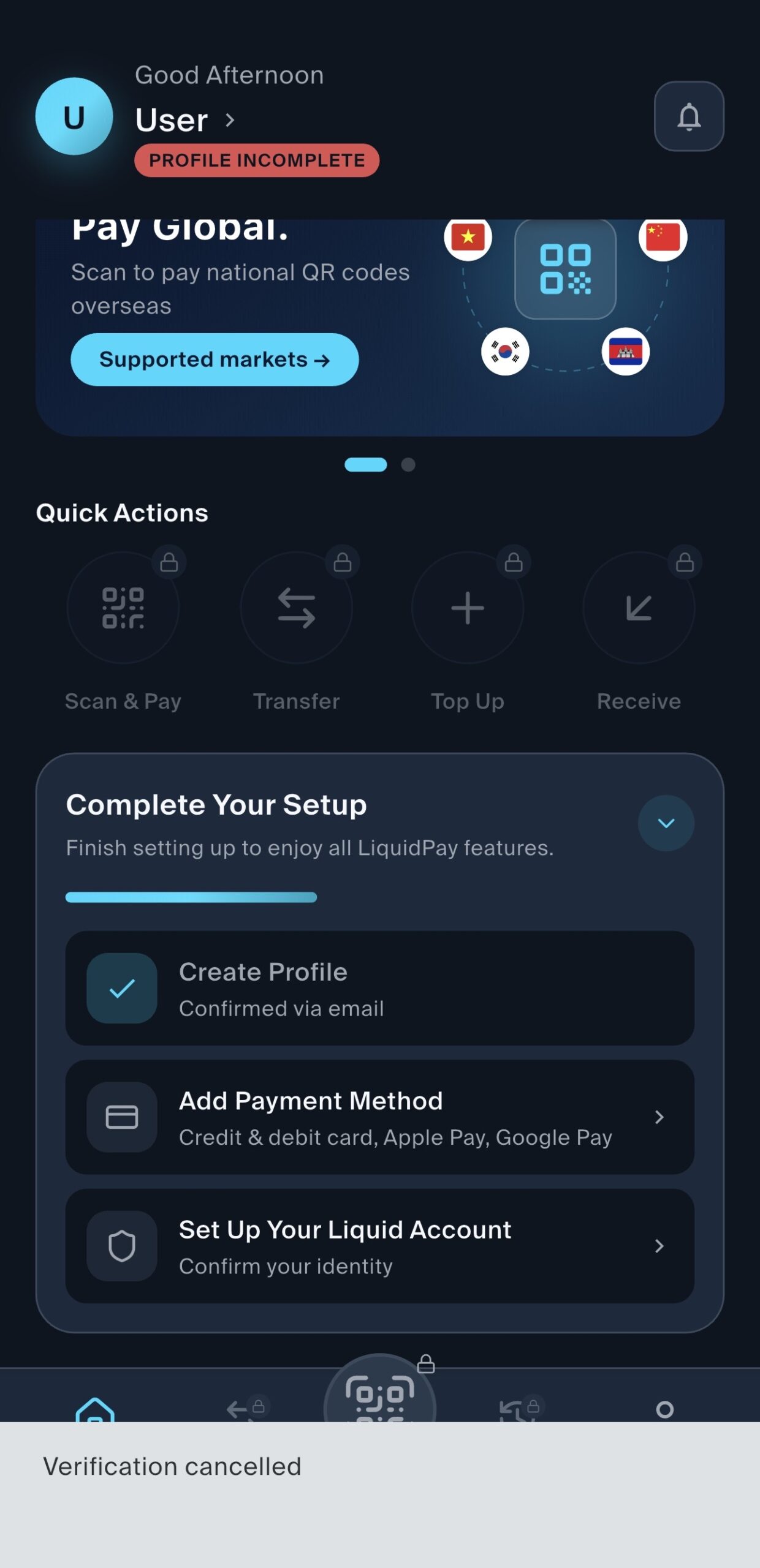
Setting up LiquidPay in-app. Singpass identity verification can take hours — mine took about 5 — and may show “Verification cancelled” before it completes.
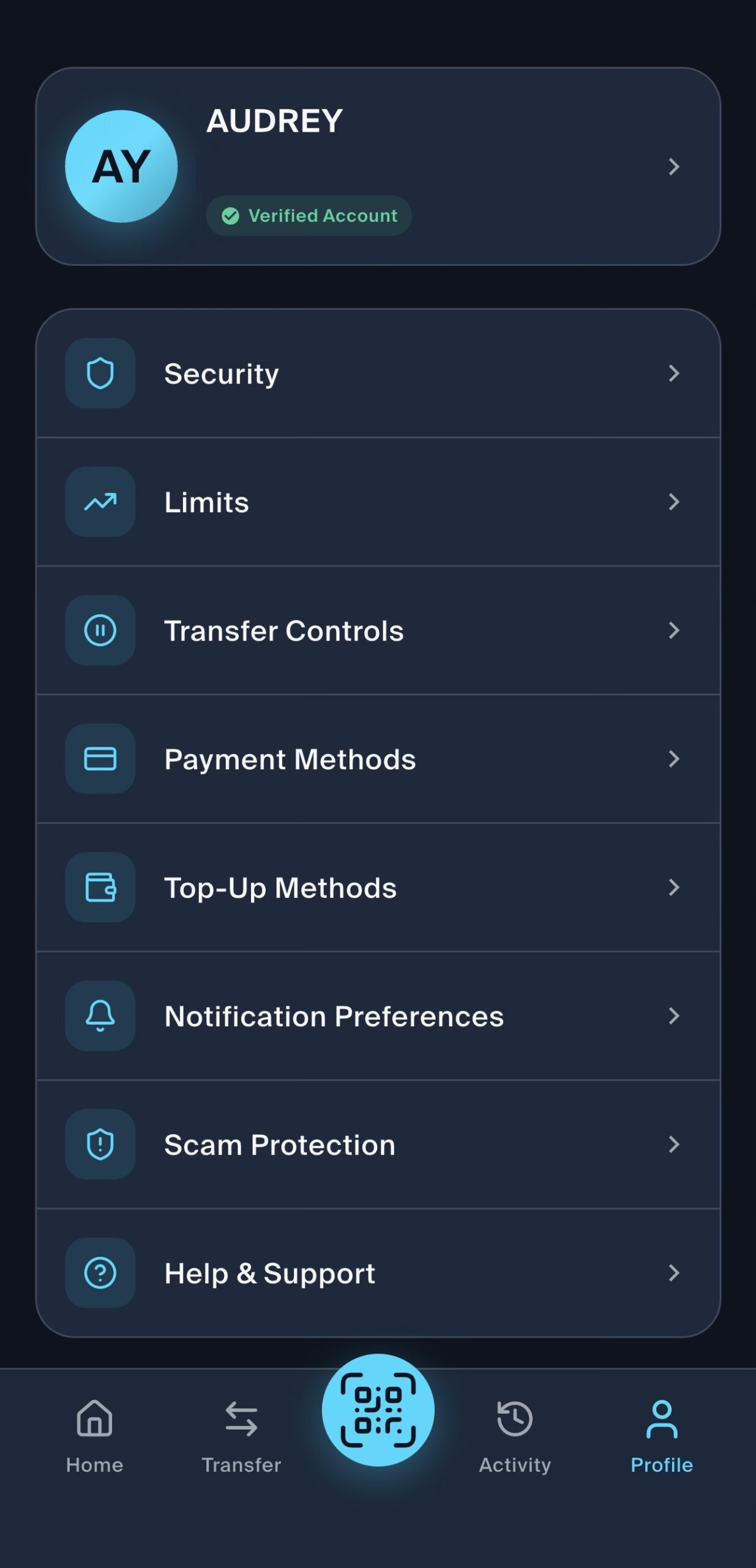
Step 1 — from your Profile, tap Payment Methods.
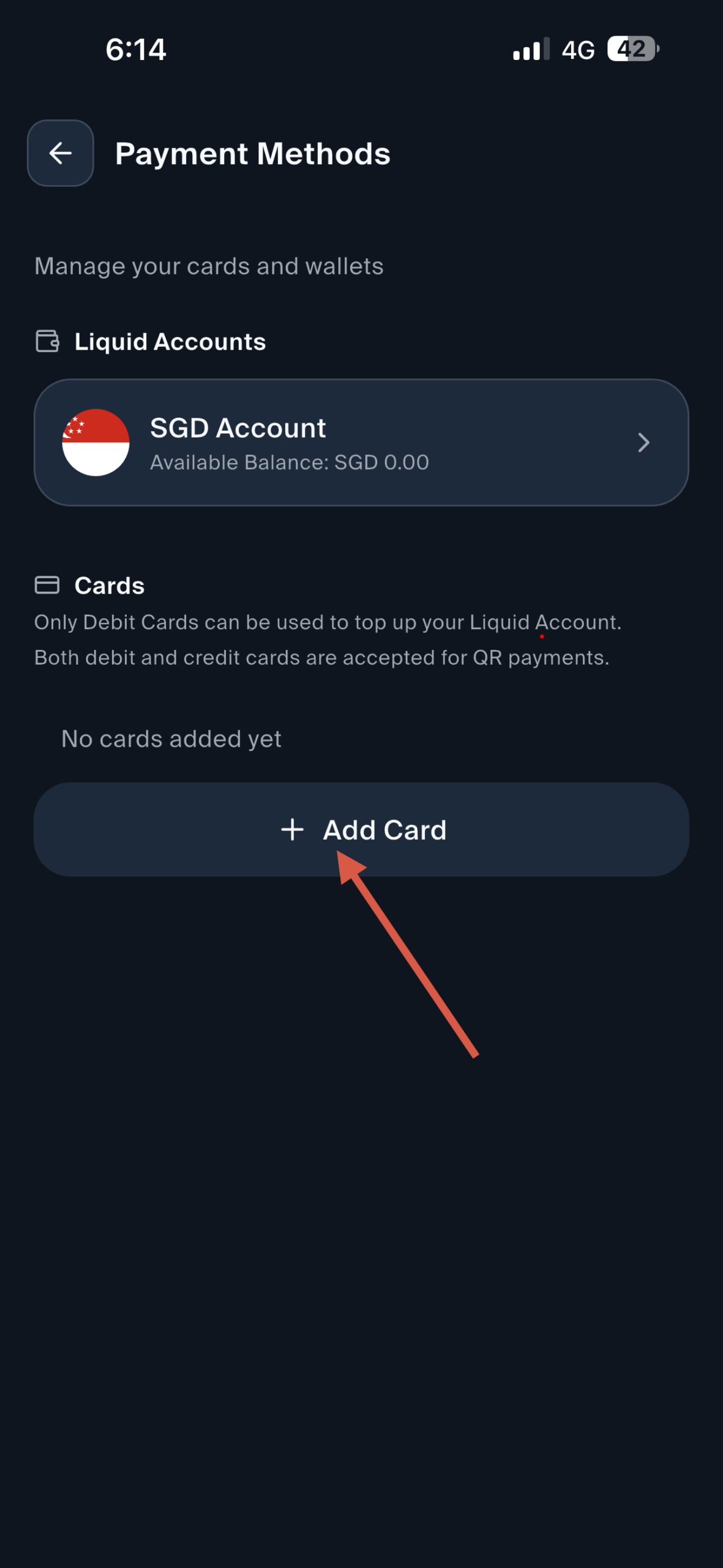
Step 2 — tap Add Card. Note the app’s own line: only debit cards can top up your wallet, but both debit and credit cards work for QR payments.
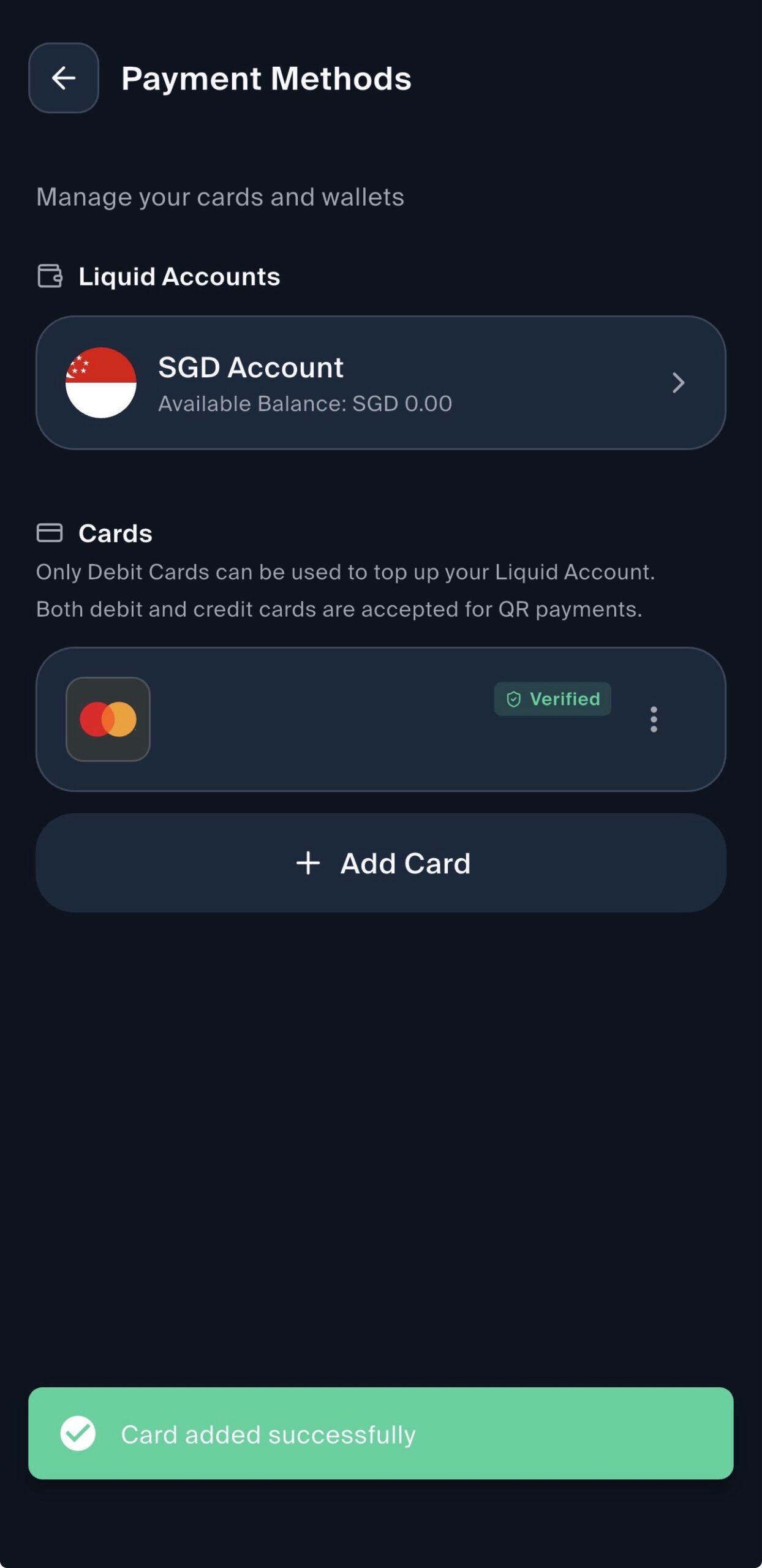
Step 3 — your credit card shows as Verified once added.
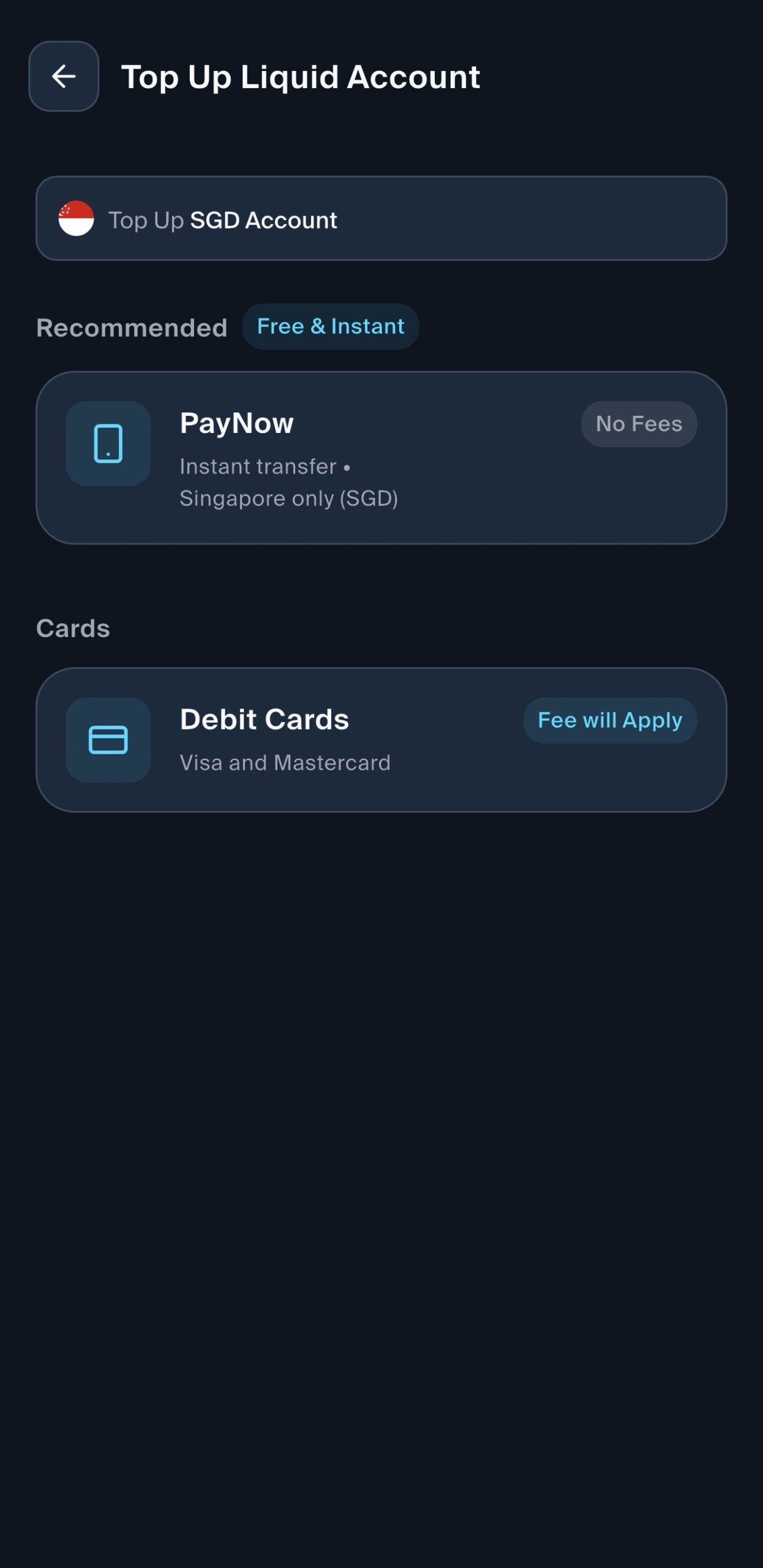
Skip the Top-Up screen — it only takes PayNow or a debit card (with a fee). You do not need to top up; the linked card charges your credit card directly.
| Card | Type | Earn rate | Cap & min spend |
|---|---|---|---|
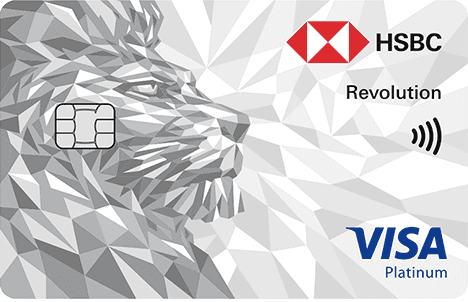 HSBC Revolution HSBC RevolutionApply | Miles | 4 mpd (8 mpd with S$50K EGA balance) | S$1,000 / calendar month · no min spend |
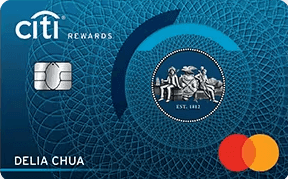 Citi Rewards Citi RewardsApply | Miles | 4 mpd | S$1,000 / statement month · no min spend |
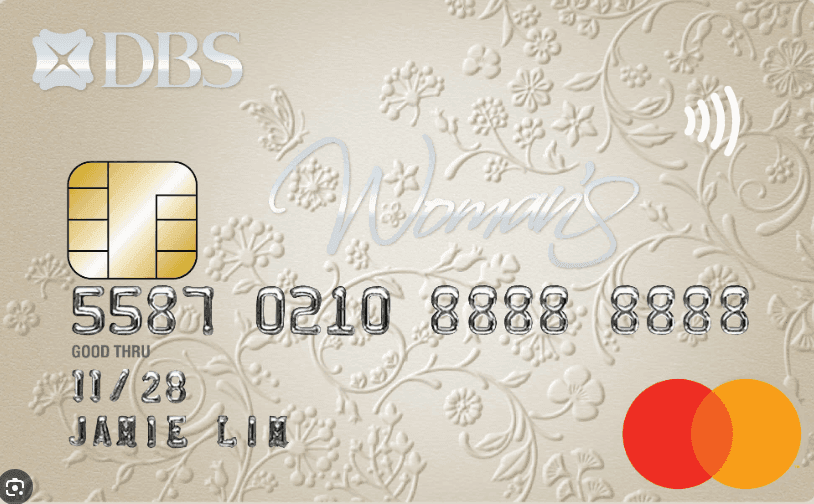 DBS Woman’s World DBS Woman’s WorldApply | Miles | 4 mpd | S$1,000 / calendar month · no min spend |
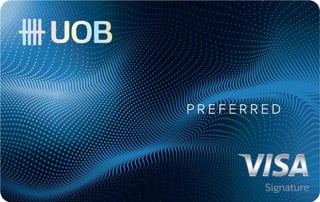 UOB Preferred Visa UOB Preferred VisaApply | Miles | 4 mpd | S$600 / calendar month (online category) |
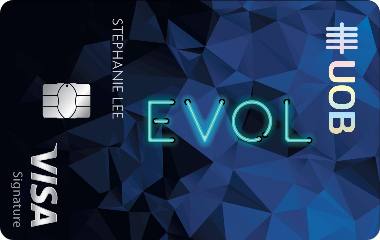 UOB EVOL UOB EVOLApply | Cashback | 10% (online & mobile contactless) | S$30 / month cap · S$800 min spend |
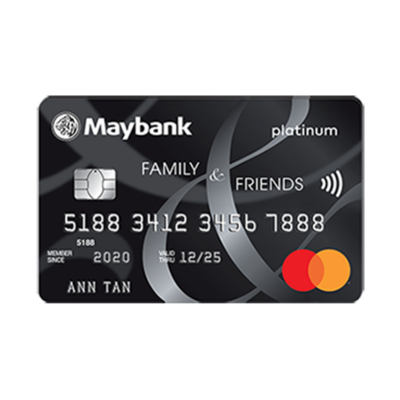 Maybank Family & Friends Maybank Family & FriendsApply | Cashback | 8% under the Online Shopping category (6% at lower tier) | S$1,600 min for 8% (S$800 for 6%) |
| OCBC FRANK | Cashback | Up to 8% | S$25 / month |
| DCS Flex | Cashback | Up to 6% | S$25 / month |
ENDS TOMORROW · 1 DAY LEFT
Choose 1 Gift
Selection form emailed after application
Dyson Airstrait™ Straightener
Retail S$799
Hair straightener that dries and smooths hair at the same time
Dyson V8 Cyclone Vacuum Cleaner
Worth S$559
Cordless cleaning vacuum with strong suction
28,000 Max Miles by Heymax
Worth S$504
Earns you miles redeemable for flights, hotels, and perks · at HeyMax's published FlyAnywhere rate of 1.8 cents per mile
ECOVACS DEEBOT MINI 2
Worth S$499
compact robot vacuum and mop designed for effortless, hands-free everyday cleaning.
S$450 Cash
Worth S$450
via PayNow
Ends 23 Sep 2026
Requirements (tap to expand)
- You qualify if: you have no HSBC credit card right now, AND haven't cancelled any HSBC credit card in the last 12 months
- Spend min. S$500 by the end of the month after you're approved. Example: approved in May → spend by 30 June.
- During the application, tick the box to receive marketing messages from HSBC. Don't unsubscribe until your gift arrives — if you do, HSBC can cancel the reward.
- SingSaver will email you a Rewards Redemption Form — check inbox (and spam folder) after applying. Fill it in within 14 days to claim your gift, or you'll lose it.
Why pick this card
4 mpd on contactless, travel & online spend. Up to 8 mpd for HSBC EGA customers (S$50K ADB).
Currently hold a HSBC credit card issued over 12 months ago? Apply here → HSBC gives eligible existing cardholders S$50 cashback directly. Please complete the Rewards Redemption Form sent to your email so your application is properly recorded.
If you cancelled a HSBC credit card in the past 12 months, you don't qualify for either reward.
ENDS 30 SEP 2026 · 8 DAYS LEFT
Direct (Citi)
40,000 Bonus Citi ThankYou Points
Requirements (tap to expand)
- Eligible for new main Citi Cardmembers only (no existing Citi card, no Citi card closed in the past 12 months)
- Spend S$800 in the first 2 months of card approval
Valid till 30 Sep 2026
Via SingSaver
Choose 1 Gift
Dyson Airstrait™ Straightener
Retail S$799
Hair straightener that dries and smooths hair at the same time
Morning Coffee Machine + 20 Capsules Bundle
worth S$660
a convenient coffee setup with a compact machine and 20 capsules to kickstart your mornings
25,000 Max Miles by Heymax
Worth S$450
Earns you miles redeemable for flights, hotels, and perks · at HeyMax's published FlyAnywhere rate of 1.8 cents per mile
Dyson V8 Cyclone Vacuum Cleaner
Worth S$559
Cordless cleaning vacuum with strong suction
S$400 Cash via PayNow
No bank details needed
Requirements (tap to expand)
- You qualify if: you have no Citibank credit card right now AND haven't cancelled any Citi credit card in the last 12 months
- Spend min. S$500 within 30 days of card approval
- SingSaver will email you a Rewards Redemption Form — check inbox (and spam folder) after applying. Fill it in within 14 days to claim your gift, or you'll lose it.
Valid till 30 Sep 2026
Why pick this card
4 mpd on any online transaction + offline fashion & department stores. No minimum spend.
Why pick this card
10X DBS Points (4 mpd) on all online spending (cap S$1,000/month).
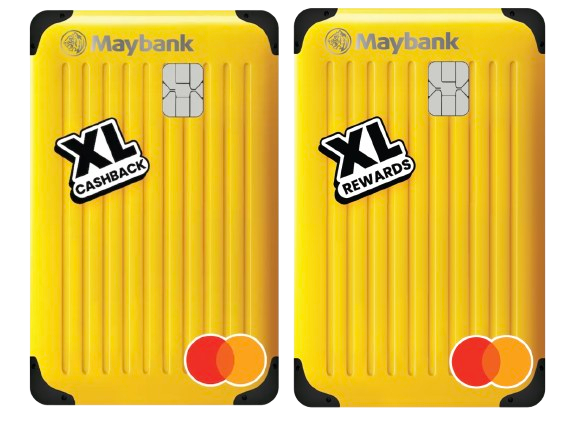
Sign-up Rewards
For new-to-Maybank applicants
Free Etiqa Trip XpLorer Protect Insurance
12 months · Up to S$5,000
Overseas Medical Expenses incl. Adventurous Activities · Leisure trips only · No auto-renew
S$10 Cashback
S$10
Apply for XL Cashback or Rewards + one transaction · Auto-credited
Requirements (tap to expand)
- Apply for XL Cashback or XL Rewards Card via the button
- Fill the Google Form after signing up
- Make one transaction → cashback auto-credited to card account
Why pick this card
4 mpd on dining, travel, shopping and foreign currency spend.
Why pick this card
10X UNI$ (4 mpd) on contactless mobile wallet + online shopping/entertainment.
ENDS 30 SEP 2026 · 8 DAYS LEFT
Choose 1 Gift
Selection form emailed after application
S$90 Cash
worth S$90
via PayNow
The first 2 eligible applicants at 2 PM and 10 PM can choose either S$200 Cash via PayNow or a Samsonite Straren Spinner 67/24 (worth S$600) in place of the base reward.
Valid till 30 Sep 2026
Requirements (tap to expand)
- You qualify if: you have no UOB credit card right now, AND haven't cancelled any UOB credit card in the last 12 months
- Spend min. S$500 within the first 30 days from card approval
- SingSaver will email you a Rewards Redemption Form — check inbox (and spam folder) after applying. Fill it in within 14 days to claim your gift, or you'll lose it.
Why pick this card
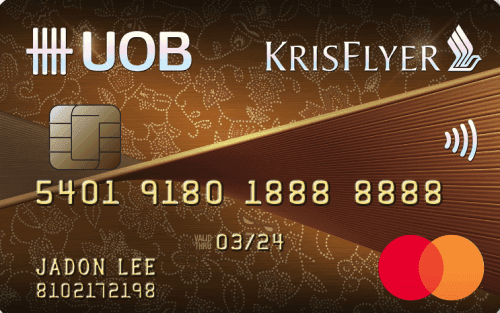
Up to 3 KrisFlyer miles per S$1 on SIA/Scoot/KrisShop.
Exclusive Sign-up Gift
Only applicable for new-to-bank card applicants
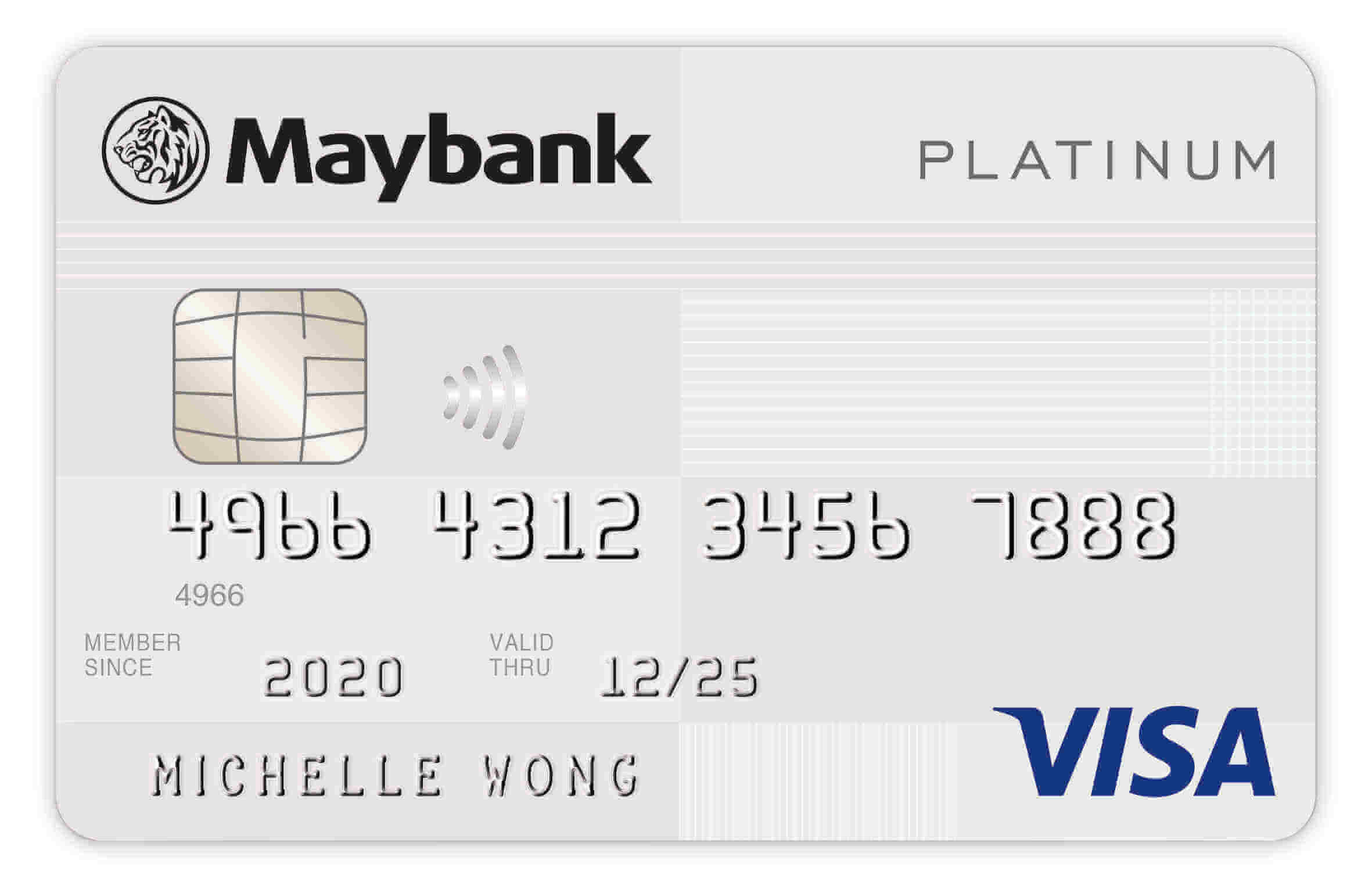
Samsonite RESTACKD Spinner 68/25 EXP + 2 packing cubes
Worth S$520
Lightweight (3.3kg), expandable, matte scratch-resistant
Requirements (tap to expand)
- Apply for a new Maybank Credit Card (not applicable for Maybank XL cards)
- Charge min. S$1,300 within the first 2 months of card approval
- Fill the Google Form after signing up
- Alternative: apply for CreditAble + a Maybank Credit Card, then charge min. S$1,200 within 2 months
Why pick this card
Up to 3.33% cash rebate. Tiered minimum spend: S$300 / $1,000 / $2,000 monthly for higher rates.
ENDS 30 SEP 2026 · 8 DAYS LEFT
Choose 1 Gift
Selection form emailed after application
S$90 Cash
worth S$90
via PayNow
The first 2 eligible applicants at 2 PM and 10 PM can choose either S$200 Cash via PayNow or a Samsonite Straren Spinner 67/24 (worth S$600) in place of the base reward.
Valid till 30 Sep 2026
Requirements (tap to expand)
- You qualify if: you have no UOB credit card right now, AND haven't cancelled any UOB credit card in the last 12 months
- Spend min. S$500 within the first 30 days from card approval
- SingSaver will email you a Rewards Redemption Form — check inbox (and spam folder) after applying. Fill it in within 14 days to claim your gift, or you'll lose it.
Why pick this card
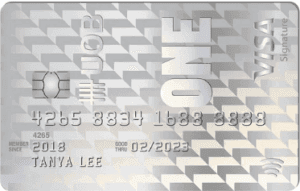
No FX fees + up to 10% cashback on online/mobile spend + gym, telco & streaming (S$800 min). Pairs with UOB One Account.
Exclusive Sign-up Gift
Only applicable for new-to-bank card applicants
Samsonite RESTACKD Spinner 68/25 EXP + 2 packing cubes
Worth S$520
Lightweight (3.3kg), expandable, matte scratch-resistant
Requirements (tap to expand)
- Apply for a new Maybank Credit Card (not applicable for Maybank XL cards)
- Charge min. S$1,300 within the first 2 months of card approval
- Fill the Google Form after signing up
- Alternative: apply for CreditAble + a Maybank Credit Card, then charge min. S$1,200 within 2 months
Why pick this card
Up to 8% cashback on 5 chosen categories (from 10 options).
Why pick this card
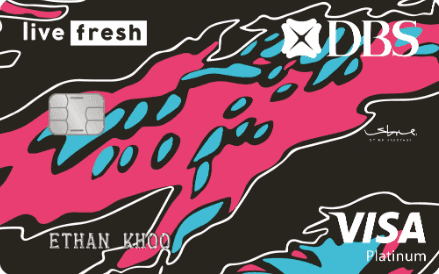
6% cashback on shopping and public transportation (S$800 min spend).
ENDS 30 SEP 2026 · 8 DAYS LEFT
Direct (Citi)
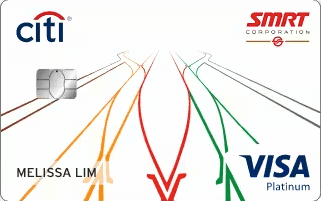
S$300 Cash Back
Requirements (tap to expand)
- Eligible for new main Citi Cardmembers only (no existing Citi card, no Citi card closed in the past 12 months)
- Spend S$800 in the first 2 months of card approval
Valid till 30 Sep 2026
Via SingSaver
Choose 1 Gift
Dyson Airstrait™ Straightener
Retail S$799
Hair straightener that dries and smooths hair at the same time
Morning Coffee Machine + 20 Capsules Bundle
Worth S$660
a convenient coffee setup with a compact machine and 20 capsules to kickstart your mornings
25,000 Max Miles by Heymax
Worth S$450
Earns you miles redeemable for flights, hotels, and perks · at HeyMax's published FlyAnywhere rate of 1.8 cents per mile
Dyson V8 Cyclone Vacuum Cleaner
Worth S$559
Cordless cleaning vacuum with strong suction
S$430 Cash via PayNow
No bank details needed
Requirements (tap to expand)
- You qualify if: you have no Citibank credit card right now AND haven't cancelled any Citi credit card in the last 12 months
- Spend min. S$500 within 30 days of card approval
- SingSaver will email you a Rewards Redemption Form — check inbox (and spam folder) after applying. Fill it in within 14 days to claim your gift, or you'll lose it.
Valid till 30 Sep 2026
Why pick this card
5% cashback on big online purchases (up to S$12,000/year). No monthly cap.
ENDS 30 SEP 2026 · 8 DAYS LEFT
Choose 1 Gift
Selection form emailed after application
S$90 Cash
worth S$90
via PayNow
The first 2 eligible applicants at 2 PM and 10 PM can choose either S$200 Cash via PayNow or a Samsonite Straren Spinner 67/24 (worth S$600) in place of the base reward.
Valid till 30 Sep 2026
Requirements (tap to expand)
- You qualify if: you have no UOB credit card right now, AND haven't cancelled any UOB credit card in the last 12 months
- Spend min. S$500 within the first 30 days from card approval
- SingSaver will email you a Rewards Redemption Form — check inbox (and spam folder) after applying. Fill it in within 14 days to claim your gift, or you'll lose it.
Why pick this card
3.33% base cashback + up to 6.67% bonus on Grab, Shopee, SP Utilities, McD & SimplyGo. Requires consecutive monthly spend.